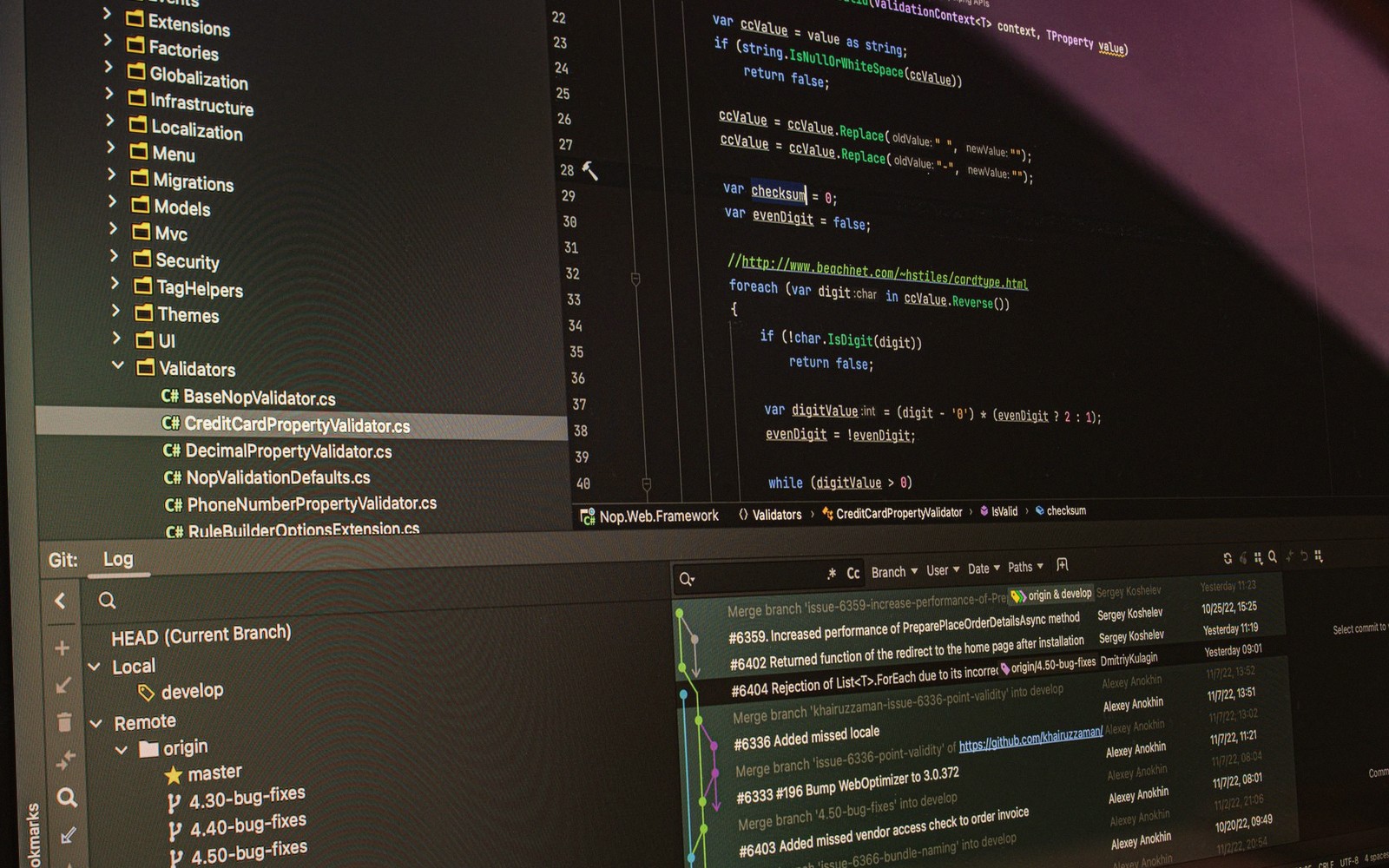
From a mailing-list diff to the update on your machine — the complete journey of a single change through an open-source project.
02The Change Starts Small
Everything begins with a problem. A developer notices a bug, a performance regression, or a missing feature. They clone the repository, write the fix, and run the test suite locally. If the tests pass and the change looks clean, they format it as a patch — a structured diff that shows exactly what lines were removed and what lines were added.
From a mailing-list diff to the update on your machine.
In projects that use mailing-list workflows, like the Linux kernel or Git itself, the patch lands in an inbox. The author runs git format-patch to produce a .patch file and git send-email to fire it at the right list. In projects that live on GitHub or GitLab, the same content travels as a pull request or merge request: different packaging, identical idea. Either way, the patch is now public and subject to scrutiny.
That scrutiny is the point. Maintainers and contributors read the diff, ask questions, and push back. Is the approach sound? Does it break anything else? Is the commit message clear enough that someone reading the history in five years will understand why this change exists? A patch can bounce through several rounds of revision before anyone gives it a positive review.
03Review, Merge, and the Upstream Tag
Once a maintainer is satisfied, they merge the patch into the project's main development branch. At this moment, the code is upstream — it lives in the canonical source repository, owned and governed by the project itself. For a project like the kernel that means Linus Torvalds' tree, or one of the many subsystem trees that feed into it. For a library maintained by an individual, it might simply be the main branch on their personal forge.
Merging is not releasing. The change now lives in the bleeding edge of development, alongside dozens of other patches from dozens of other contributors. The project accumulates these changes until a maintainer decides the codebase is ready to ship. They cut a release — which means tagging a specific commit, writing a changelog, and publishing a tarball or signed tag. Version numbers vary by project convention: semantic versioning gives you something like 2.4.1; the kernel uses its own scheme; some projects just count releases. Whatever the convention, the tag is a public promise that this exact state of the code is what the project considers a release.
Security fixes move faster. A critical vulnerability patch will often skip the slow accumulation cycle and trigger an out-of-band release specifically to get the fix distributed quickly.
04Downstream: The Distro's Turn
Your Linux distribution almost certainly doesn't ship software straight from upstream tarballs without touching them. The Debian Project, Red Hat, SUSE, Canonical, and the Arch Linux project each maintain their own packaging infrastructure, and each has its own philosophy about how closely to track upstream.
When an upstream release lands, a distro packager picks it up. They update the package metadata — version number, dependencies, changelog — and often apply additional patches on top of upstream. These downstream patches might fix a distro-specific build issue, backport a security fix into an older version, or adjust default configuration to fit the distro's conventions. The package is then built in a clean, reproducible build environment and pushed through the distro's own quality pipeline.
For a rolling-release distribution like Arch, that pipeline is relatively short: a package update can reach users within hours of an upstream release. For a fixed-release distro like Debian stable or a Red Hat enterprise product, the process is far more conservative. Packages are frozen for stability, and only security patches and critical bug fixes travel through to existing releases as updates — everything else waits for the next major version cycle.
05Landing on Your Machine
Once the distro publishes the package to its mirror network, the final leg of the journey is almost anticlimactic. You run sudo apt upgrade, sudo dnf upgrade, or sudo pacman -Syu, and the package manager compares the versions available on the mirror against what's installed. It downloads the new package, verifies a cryptographic signature to confirm it hasn't been tampered with, and installs it. A service might restart; a reboot might be requested for a kernel update. Then it's done.
The whole chain — from a developer's local clone to your running system — can take anywhere from a few hours to several years, depending on where the change lands and which distribution you run. A kernel networking fix will reach an Arch user by the end of the week; the same fix might take considerably longer to arrive in an enterprise long-term support release.
What looks like a single apt transaction is actually the final handoff in a relay that started with someone staring at a bug report. Every link in that chain — the reviewer who caught the edge case, the packager who kept the build clean, the mirror operator serving the file — is part of why the software on your machine mostly just works.
The players
the Debian Project
Community
community organisation maintaining the Debian Linux distribution
Red Hat
Company
IBM-owned enterprise Linux company, maintainer of RHEL and Fedora
SUSE
Company
enterprise Linux company, maintainer of openSUSE and SLES
Canonical
Company
company behind Ubuntu Linux